GETTING STARTED
New Recruits
This is a step-by-step process on starting with the Lone Star Events Team. Make sure to complete all the following tasks below and you’ll start off the right way.
— Have all these completed before 1st Team Meeting —
Step #1: Order Supplies on Cutco Orders (Literature Order)
Service Call
Item #FS102 Ed Reed Sharpener
Item #L164 Service Request Form (pack of 25)
Office Supplies
Item #L155: Cutco Kitchen Brochure
Item #L355: Cutco Family Plan Brochure
Item #L356: Upgrade Program Brochure
Item #L215: ULT/SIG/HOMEY Roll-Out Brochure
Item #A209: Name Tag
Step #2: Message Field Trainer(s) & Look Up Info for Event
Click “Storage & Contact Information” tab on the top of this page, find reps you’re field training with and text them that you’re coming to field train
Google the info for your events you’re field training at for open/close times and location (don’t ask the field trainer or Dante, must learn to find info personally)
Step #3: Setup Schedule
Click “Important Dates” tab and put every team meeting for the campaign in your personal schedule
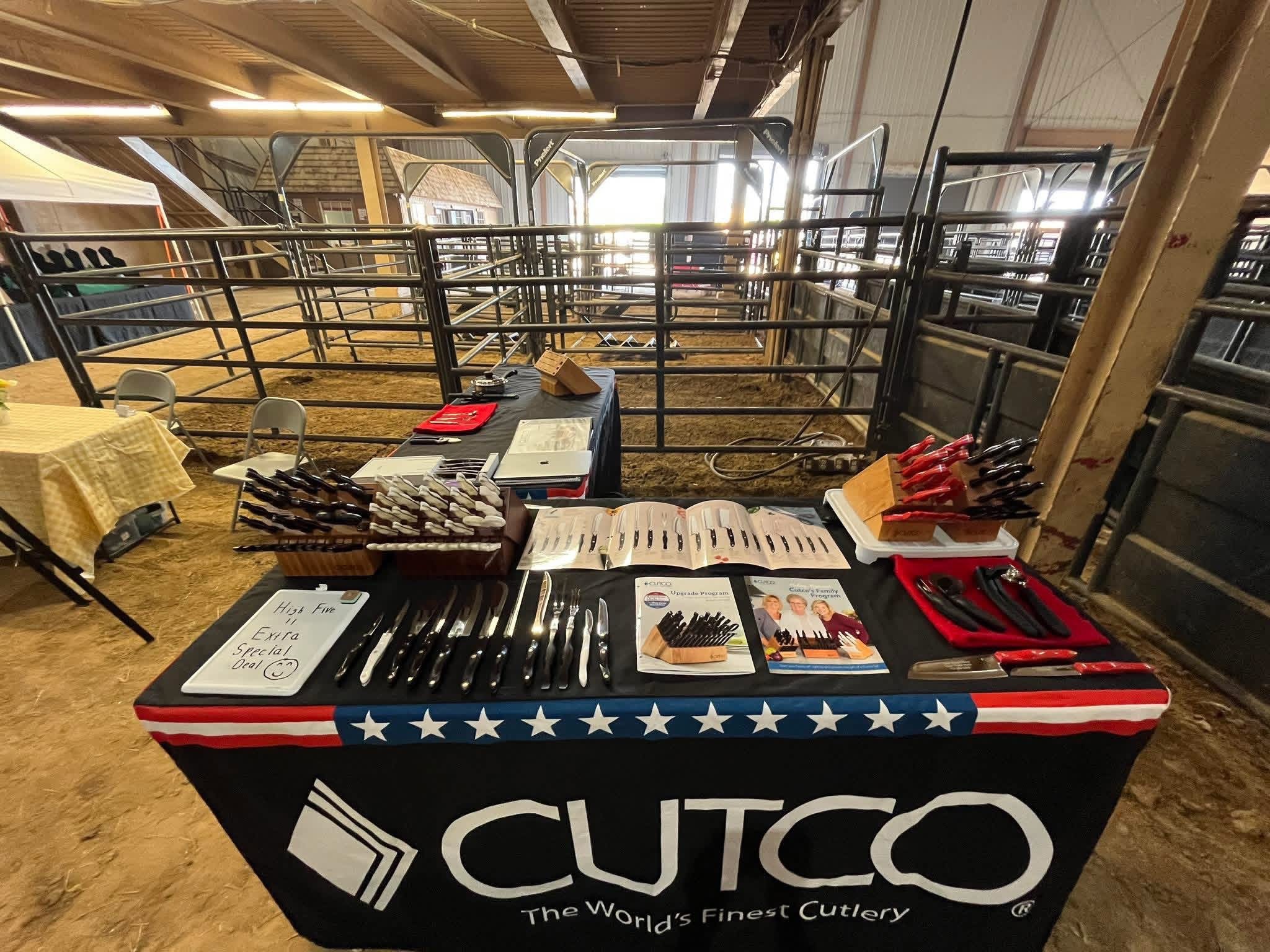
When Setting up your own booth at an Event
You will be provided with the basics in the booth
The below picture is a standard look for a new rep’s booth display